Babydoll Dance Tutorial: Make an AI Video from a Photo
Create your version of the Babydoll Dance AI trend with our independent photo-to-dance generator. Follow a reference, optionally change the background, and download the completed MP4.
Step-by-step AI video tutorial
This tutorial covers making an AI video, rather than learning the physical dance steps. Follow the written steps below, then compare the input, motion reference and real output.
- Sign in with Google or an email link. Upload a JPG, PNG or WebP photo or character image that you own or have permission to animate.
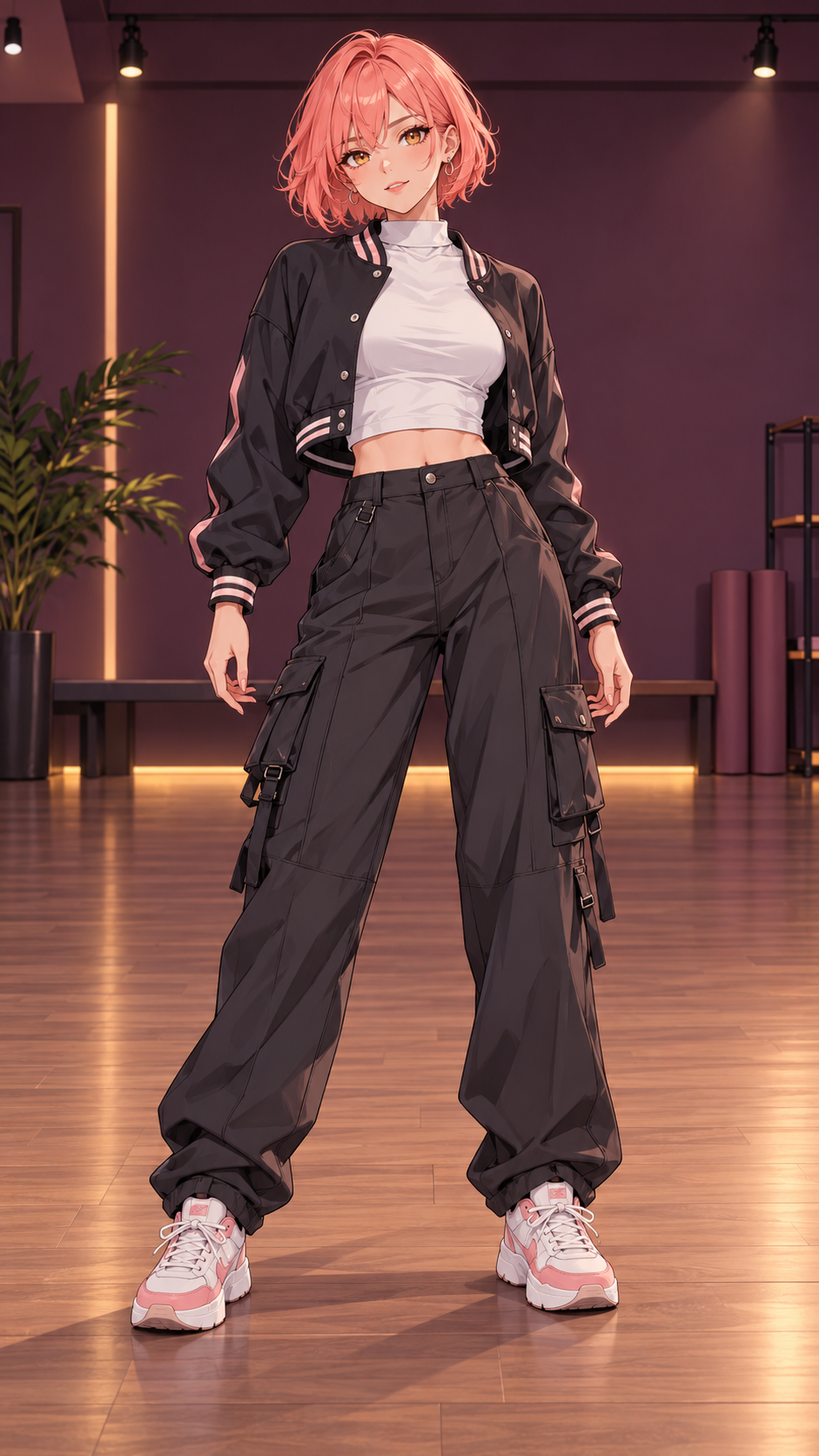
- Use a clear full-body image with space above the head, below the feet and beside the hands. You can prepare a full-body scene from a portrait and review it before generating the dance.
- Choose the left or right dancer in the Babydoll template, or upload your own MP4 motion reference. Select one clearly visible dancer; crop multi-person references to one performer.
- Optionally upload a background image and prepare a scene. Scene preparation and dance generation are separate operations with separate credit costs.
- Review the credit quote and submit. Generation runs asynchronously. Return to My creations to check progress; a transactional email is sent when a new video is ready. Download the completed MP4 without an additional unlock fee.
What is the Babydoll Dance AI trend?
The Babydoll Dance AI trend uses motion transfer to make a photo or illustrated character follow a dance reference associated with Jamie Miller’s Babydoll. The image supplies appearance, while the reference supplies movement and timing.
Use the Babydoll Dance AI generator on the homepage to upload your photo, choose a reference performer and clip length, review the quote, and generate your version. Templates retain their selected reference audio. The service is independent and not affiliated with the artist or TikTok.
Reference videos and duration
Babydoll templates default to 25 seconds; 8-second short clips and 15-second excerpts are also available. The longest template ends before the performers leave frame and is not the complete 33.69-second source recording or a full song. Custom MP4 references accept 3–30 seconds, up to 30 MB, with each dimension between 720 and 2160 pixels.
Motion transfer follows the movement and timing of the selected reference. One character is supported per generation. Independent multi-person generation is not currently available.
Template videos retain the selected reference clip’s original audio. Custom references retain their own original audio by default; they do not automatically receive the Babydoll soundtrack.
Photos, backgrounds and output quality
Both real-person photos used with permission and illustrated characters are supported. Images are checked for supported subjects and unsafe content.
Upload a real-location background photo or an illustration, write a scene description, or use both. Scene preparation combines these preferences with your character. Review the still image before making a video. AI generation may alter details and does not guarantee pixel-identical backgrounds or perfect motion.
Optional scene and video prompts each accept up to 1,000 characters. Scene prompts describe the setting and lighting; video prompts guide visual atmosphere and expression. Movement and timing still follow the reference video, and prompts do not change the chosen soundtrack.
Keep the full body visible with room to move. Previewing a video without cropping cannot restore body parts already missing from the generated video.
Credits and availability
There is no free trial or free sign-up credit. Scene preparation and video generation require credits. The quote shown before submission is the authoritative credit amount for that request.
Failed generation jobs return their reserved credits automatically. A successful scene preparation is billed separately even if you do not proceed with a video.
One-time packs: Starter costs USD 5.99 for 10 credits; Creator costs USD 14.99 for 35 credits; Plus costs USD 29.99 for 80 credits. An 8-second video uses 7 credits, 15 seconds uses 13, and 25 seconds uses 21. Starter covers one 8-second clip but no 15- or 25-second video. Creator covers one 25-second video with 14 credits left; Plus covers three with 17 credits left. All counts exclude optional scene preparation. No recurring subscription is sold.
Creator costs 28% less per credit and Plus costs 37% less per credit than Starter (rounded down). These are comparisons with the Starter unit price, not previous sale prices. Check the studio’s Pricing section for current checkout availability.
Rights, privacy and support
Use images, reference videos and music you own or have permission to use. Obtain permission from people depicted. Do not use the service for impersonation, fraud or misleading identity claims.
Babydoll Dance is independent and is not affiliated with Jamie Miller or TikTok.
Uploaded media and generated creations are not part of the public content index. Media uses unguessable links; anyone with a media link can view it. Do not upload sensitive documents.
Complete generation instructions, including optional prompts, are sent to Waffo for safety scanning and checked with Cloudflare Workers AI before generation charges. Only allowed requests proceed. Images, account emails and payment details are not sent to the prompt scanner.
Support: support@babydolldance.com. Read the Privacy policy, Terms of use and Refund policy for current service details.